
Whether you're managing one property or fifty, ReviewGuru is built to get you up and running fast - without the technical headaches.
Sign up takes two minutes. Add your properties to your portfolio - just the basics: property name, brand, and which OTA platforms you use.
Managing multiple properties? Add them all at once or roll them in over time. Your portfolio dashboard scales with you.
What you'll need:
This is the part that used to be painful. Booking.com and Expedia have notoriously difficult authentication systems - different logins, two-factor codes, sessions that expire constantly.
We handle it.
Two options:
Follow our guided tutorials to connect each platform yourself. Step-by-step instructions, screenshots, the works. Most people complete this in 15-30 minutes per property.
Prefer us to handle it? Schedule a call with our customer success team. We'll walk through the connections together or handle them entirely on your behalf. Included with your implementation fee.
Either way, once connected, we keep it connected. If a session drops or authentication breaks, we fix it - you don't have to think about it.
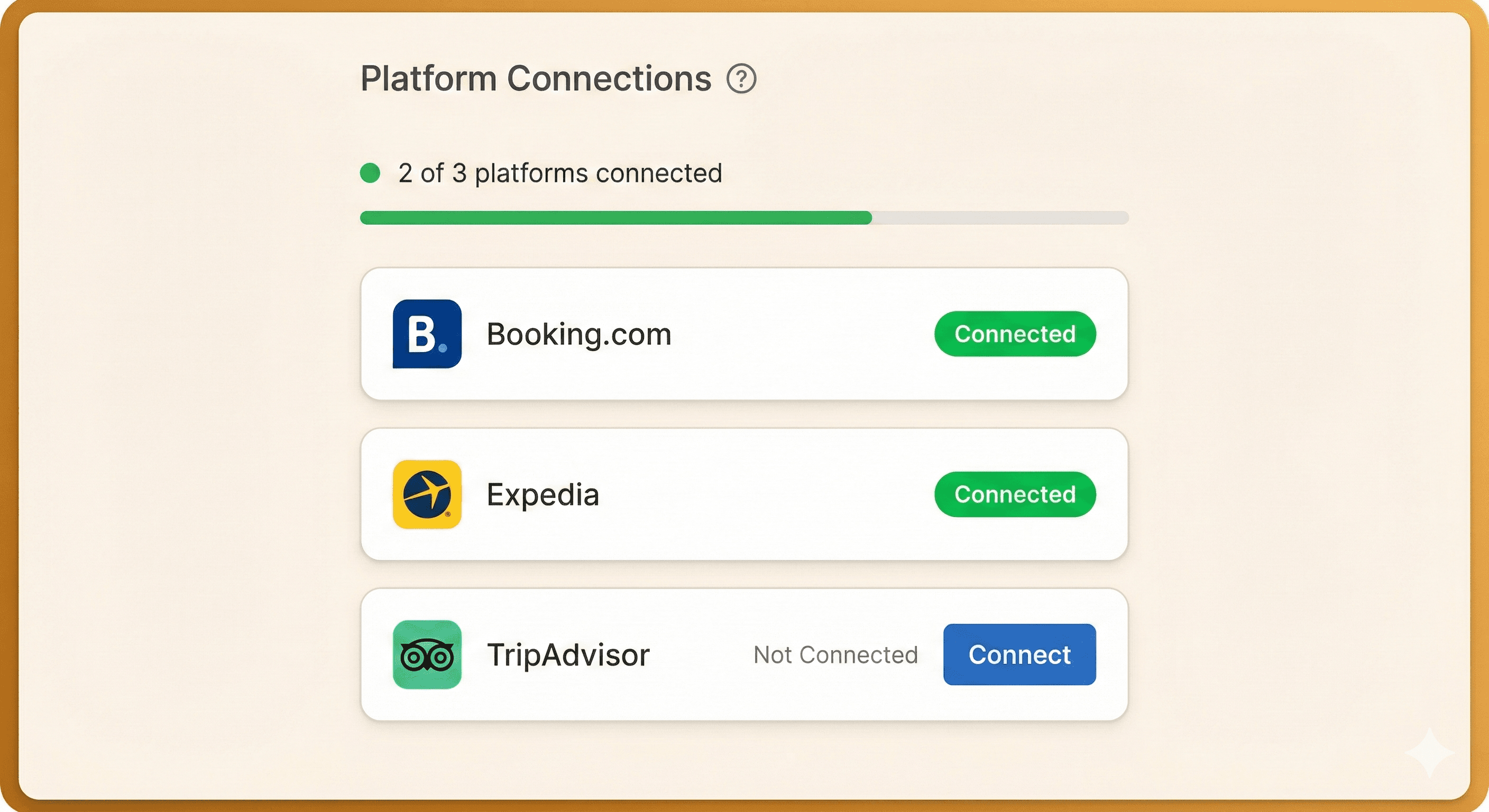
"Connect once. We keep it running."
Once your platforms are connected, reviews flow into ReviewGuru automatically. Every review from every platform, one inbox.
Your portfolio dashboard shows you the status across all properties. Which properties are current? Which have reviews waiting? What's the average response time? Compliance metrics ready for corporate audits.
You'll never have to ask a GM "are we caught up on reviews?" again. You'll already know.
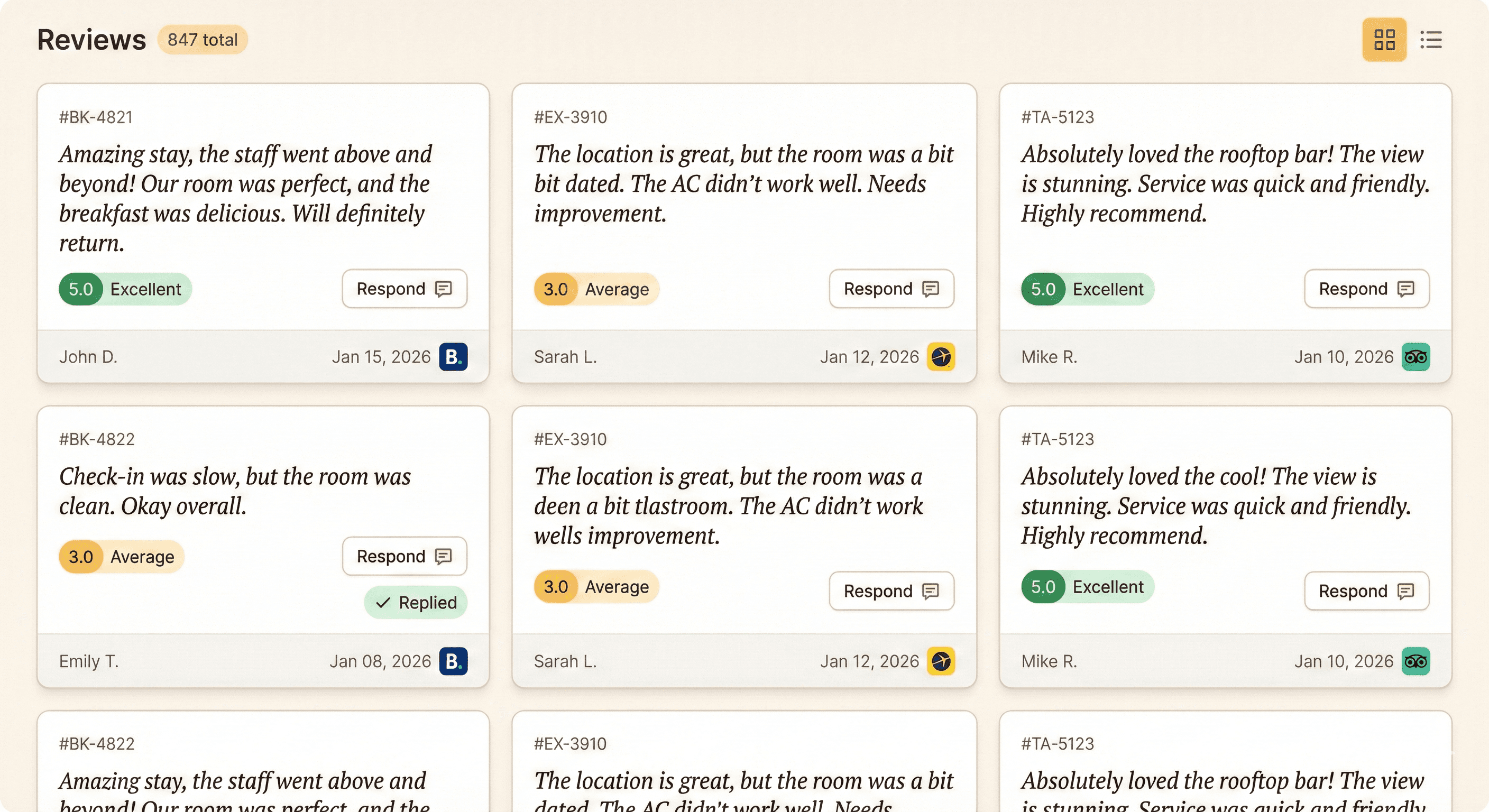
"Every platform. One inbox. Nothing falls through the cracks."
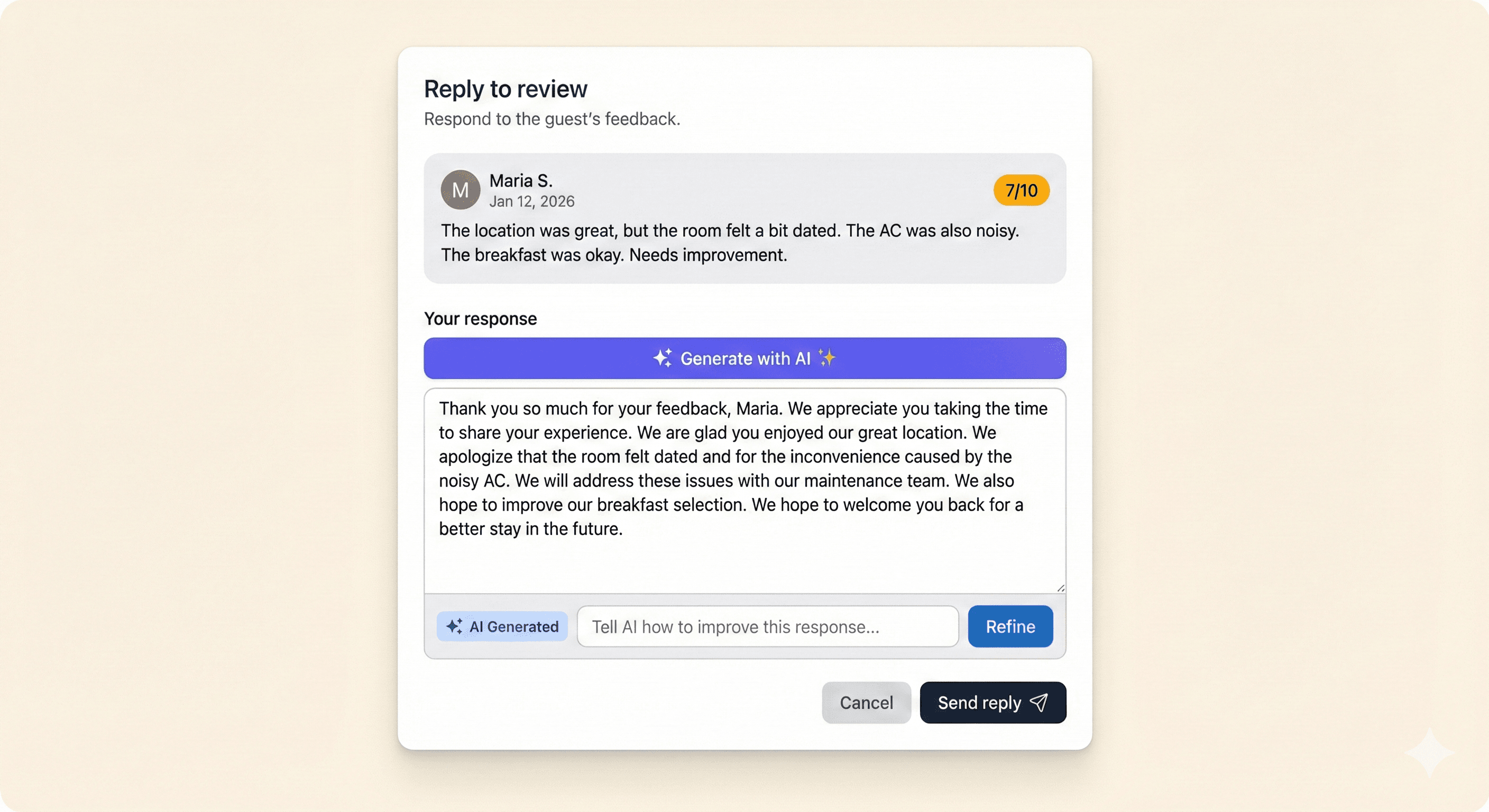
"AI drafts. You approve. Guests get a thoughtful response in seconds."
Setup is just the beginning. Here's what you get as a ReviewGuru customer:
We watch your platform connections 24/7. If Booking.com kicks you out (it happens), we reconnect before you even notice.
When you add a property or need to connect a new platform, we're here to help - same white-glove support, no extra fees.
We're constantly improving ReviewGuru based on customer feedback. New features roll out automatically.
Questions? Problems? Ideas? Our team responds within 24 hours, usually faster.



Medallia
Coming Soon
Google Business
Coming Soon
Don't see a platform you need? Let us know. We're adding integrations based on customer demand.
No problem. Each property can have its own set of platform connections. Property A might use Booking and Expedia. Property B might use Booking, TripAdvisor, and Medallia. It all flows into one dashboard.
Most single properties are fully connected in under an hour. Portfolios of 10+ properties typically take 1-2 days depending on scheduling.
Barely. The interface is simple - if they can use email, they can use ReviewGuru. We provide video tutorials and documentation, but most GMs figure it out in their first session.
Add and remove GM accounts anytime from your portfolio dashboard. New GMs can be up and running in minutes.
Yes. GMs only see their property. Owners and management groups see the full portfolio. Permissions are built in.
The AI generates responses that sound human and personalized to each review. GMs can edit before sending, but most find the AI gets it right. We've tuned it specifically for hospitality - it knows the difference between a complaint about parking and a complaint about cleanliness.
AI still generates a response, but you might want to edit those. We recommend GM review before sending on anything 2 stars or below. You stay in control.
30 days free. Add your properties, connect your platforms, see it work.
Start Free TrialWant a walkthrough first? Our team will show you the platform live and answer your questions.
Book a DemoI used to spend half my Monday morning just logging into Booking, Expedia, Travelocity – waiting for codes, copying reviews, writing responses one by one. Now I check ReviewGuru every few days and I'm done in minutes. Reviews actually get answered instead of sitting there for weeks.
Amanda Wilson
GM, Wingate by Wyndham Youngstown/Austintown

